Dem ci contenu bi
TeamElGhazi
WOSoppal làkk
Yónnee sa laaj
Jàngale bureautique
Jàngale ak xam-xam IA

Jàngale bureautique : Excel, Word, PowerPoint ak outils Google

Fichiers yi ngeen jëfandikoo bés bu nekk, ñu def leen gaaw te baax.

Ci gàttuJàngal Excel, Word ak PowerPoint, outils Google ak Power BI ci seen fichiers bopp : formules ak tabliyo yu xaaraani, dokimaan yu set ak modèle yu ñu mën a jëfandikoo ba pàtt, présentations yu leer, liggéey ci benn ekip. TeamElGhazi di organiser jàngale bureautique yii ci laaj, ngir kenn walla benn ekip, ci internet walla ci sañ-sañ ci Maroc, ci 100 làkk.

Google4,8ci 5 · 11 avis Google

En pratique

Jàngale
Excel avancé · Word ak PowerPoint · Google Workspace · Power BI
Ngir
kenn ku nekk ci boppam, assistant yi, comptable yi, gestionnaire yi, enseignant yi, ekip administratif yi
Sàrt yi
jëfandikoo bu baax bu ordinateur (su amul : sunu jàngale informatique yi)
Format
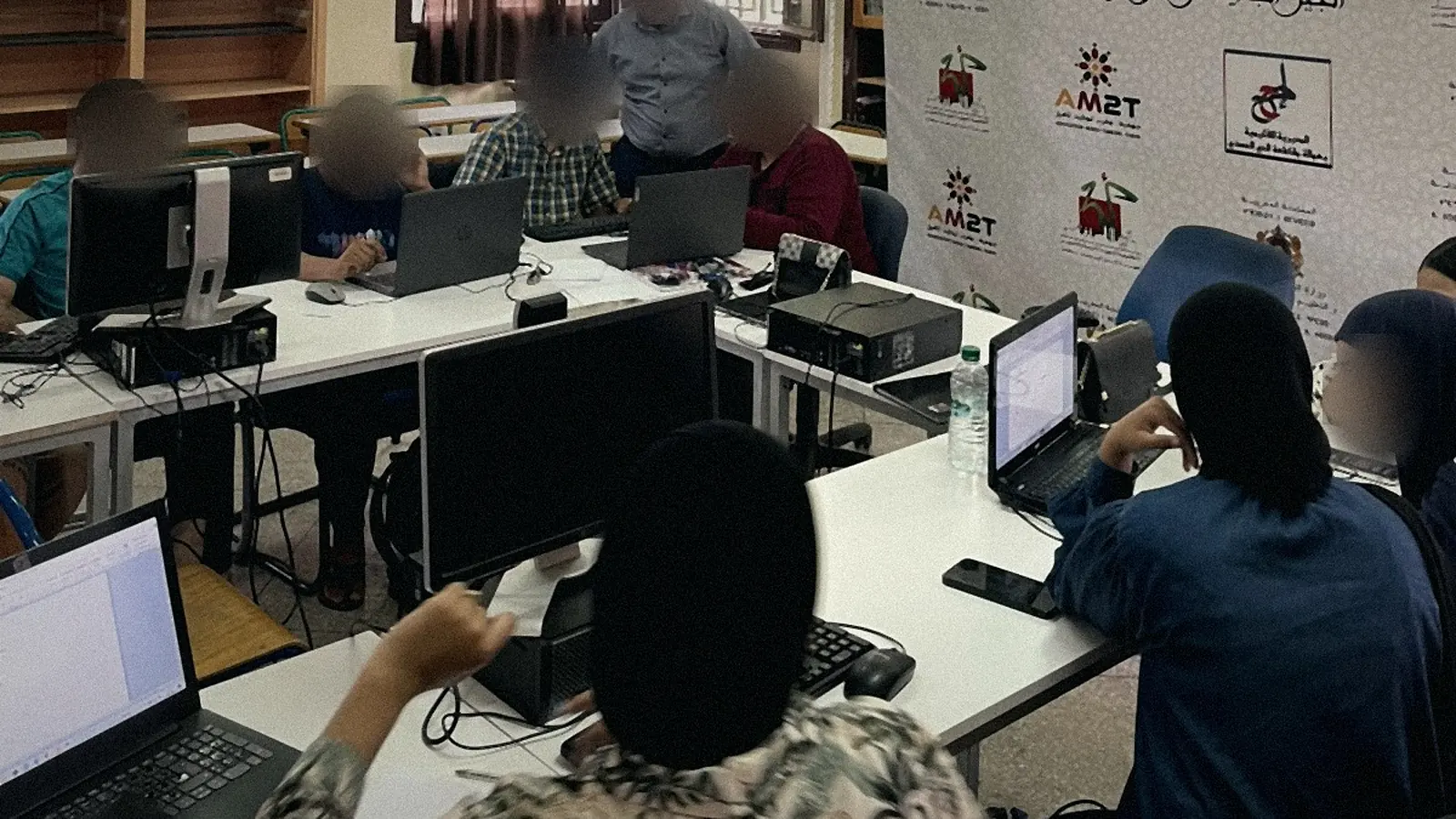
ci internet ci direct walla ci sañ-sañ ci Maroc ; ci seen bunt yi ngir ekip bu benn
Yoon
dañu ko fixe ci propositions bi, ci seen niveau ak seen outils yi

Làkk yiJàngale yi, supports yi ak waxtaan yi ci 100 làkk. Ci internet ci kaw gépp ; ci sañ-sañ ci Maroc.

Programme yi

Tànnaleen
seen programme.

Diggu, format ak public yi nekk ci kàrt bi. Xam-xam bu leer nekk ci fiche bi.
  • 01

    Excel avancé

    Su ngeen di copier-coller ugg ci ayu-bés, Excel mën na ko def ngir ngeen.

    Yoon
    Fixe nañu ko ci programme bi bind, ci seen niveau ak seen fichiers
    Format
    Cours particuliers · groupe bu ñu tegg
    Ñi jàngal
    Assistants yi, comptables yi, gestionnaires yi, commerciaux yi
  • 02

    Word ak PowerPoint

    Ab rapport bu 40 pages, tabal bi di sax boppam.

    Diir
    Ñu bind ko ci programme bu bind, ci tur yi nga tànn
    Format
    Cours particuliers · groupe bu ñu defar
    Ñi ko jàng
    Assistant yi, secrétariat yi, xale yi, jàngalekat yi, kadre yi
  • 03

    Jàngale Google Workspace

    Benn fichier rekk, ñépp ci mbooloo bi di ko ubbi. Ba léegi, « version_finale_2 » du ci dara.

    Diggante
    Ñu tëral ko ci programme bi bind, ci lu wuute mbooloo bi ak lu ñu bëgg
    Format
    Jàngale bu benn-benn · mbooloo bu ñu ko defar
    Ñiy jàngal
    Kenn ku ci boppam, mbooloo yu tuuti, ekool yi, associations yi
  • 04

    Jàngale Power BI ngir ñi door

    Bàyyil def rapport bi mel ni ci lundi bu nekk.

    Yoon bi
    1,5 weer
    Naka lay dem
    Ci internet, ci direct ci Google Meet
    Jàmbaar yi
    Képp ku topp chiffres yi
Le même fichier

Votre tableau, avant et après

Un exercice type : on part d'un vrai fichier du service, on le remet d'aplomb, il se tient seul ensuite.
Exemple
Avant depenses_v3_FINAL(2).xlsx
DatePosteMontant
03/01fournitures1 250
5 janv.Déplacement800 DH
2026-01-09FOURNITURES430
12/1formation 2 400
TOTAL4 880 ?
  • La même date écrite de quatre façons
  • Le même poste écrit trois fois autrement
  • Un total tapé à la main, jamais recalculé
Après Dépenses du service

fx=SOMME.SI.ENS(C:C;B:B;"Fournitures")

DatePosteMontant (DH)
03/01/2026Fournitures1 250
05/01/2026Déplacements800
09/01/2026Fournitures430
12/01/2026Formation2 400
Total par poste
Fournitures1 680
Déplacements800
Formation2 400
  • ✓ Une date, un seul format
  • ✓ Les postes choisis dans une liste
  • ✓ Des totaux qui se recalculent seuls
Naka lay dox

Vos fichiers, refaits pendant la formation

  1. 01
    Ce qui vous fait perdre du tempsUn ou deux fichiers de travail, données sensibles retirées : le rapport du mois, un modèle de courrier, un tableau partagé.
  2. 02
    Un programme écrit sur ces fichiersOutils, durée et format fixés avant de commencer, pour une personne ou pour une équipe.
  3. 03
    Chaque séance part d'un vrai documentUne formule, un tableau croisé, un modèle Word, un dossier Drive partagé, appliqués aussitôt.
  4. 04
    Vos modèles restent à vousLes classeurs et les modèles construits en séance servent le lendemain même.
Ngir tànn bu baax

Excel, Word, Google,
Power BI: ban?

Li ñu laaj nu bari ci kanam tambali.
01

Ñeent jàngale, ci seen outils yi

  • Excel avancé : formules yu ñu takk ci benn, tabliyo yu dynamique ak graphiques, ak tabbal buy yeesalu boppam.
  • Word ak PowerPoint : dokimaan yu structuré, modèles, publipostage ak présentations yu leer.
  • Google Workspace : Sheets, Docs, Drive ak Agenda yu séen, ngir benn ekip di liggéey ci fichiers yu mel, te versions yi du lakk.
  • Power BI (1,5 weer) : ay sources yu bari bu ñu bokk ci tabbal yu direction di xam ci ab gis-gis.
02

Ñi jot ci bari

Ngir assistant yi, comptable yi, gestionnaire yi, commercial yi ak enseignant yi, ñi di liggéey bés bu nekk ci outils yii. Ngir ekip administratif bu bëgg fichiers bu ñu bokk ak modèle yu ñu bokkal. Ngir kenn ku nekk ci boppam, ku bëgg jël ab liggéey bureau walla ku bëgg gaaw ci liggéey bu mu nekk tey.

Laaj yi ñu bari laaj

Excel walla Sheets,
dangeen ko xam walla déet?

5 tontu

Excel walla Google Sheets ?

Li ngeen jëfandikoo. Ñaar yooyu ñu mel ni mel ; nu wone tuuti yi am njariñ, su seen ekip di jël benn ba ci beneen.

Dama ngi amul ndaw ci ordinateur : ci fan laay tambali ?

Ci sunu jàngale informatique yi, ñuy jox fondëm bu numérique. Bureautique dina ñëw ginaaw.

Mën ngeen jàngal ekip bépp ?

Waaw, ci seen bunt walla ci internet, ak konvansiyon su seen organisation di ko laaj.

Yoon bu tollu la jàngale bureautique di jeex ?

Dañu ko fixe ci seen niveau ak outils yi ngeen tànn : ay jàngale ngir ab laaj bu nekk, ñu bari ngir ekip bu soppi seen yéene. Yoon ak njëg yi, ñu bind leen laata ñu tàmbali.

Mën na ko topp ci jàngale bu kenn ci kenn ?

Waaw: kenn walla ñaar, ci seen fichier yi, ci jàngale bu benn nit ci devis. Bu ngeen tollu ci ñett nit walla lu ko ëpp, formation ekip la, ci seen kër walla ci internet.

Seen laaj

Seen fichier yu bés bu nekk,
ñu defaraat leen ak yeen.

ci 100 làkk
01 · Yónnee sa laaj
Sa laaj
Yeen
Benn ci ñaar yi dafa laaj: e-mail walla telefon.
Yónnee

Sa données yi dañuy jëfandikoo rekk ngir tontu yeen (loi 09-08, RGPD). Sutura
02 · Rendez-vous30 min

Sañ-sañ yi, wàll yi, entreprise yi: ngeen di tànn seen créneau ci ligne. Benn premier waxtaan ci 30 minutes ngir benn projet, walla seen waxtu cours.

Tànn benn créneau
03 · Benn appel, benn e-mail06 60 66 59 52

Woolal nu, walla bind ci contact@teamelghazi.com

Service ñu jox ci
  • 100 làkk
Ci Casablanca: ci kanam ci Maroc, ci distance fépp.
Yónnee sa laajRendez-vous