Which task should you start with, and why not everything at once?
With a single one, and not the biggest: the one that comes back every week, that nobody likes doing, and that causes no damage if it goes wrong. A session reminder, a pre-enrollment acknowledgment or a notice to attend are good first candidates; official grades and money can wait.
Trying to fix everything at once with a large software package, before seeing what works in your own setting, wears the team out, and you end up back with the notebook. One task that runs well is more convincing than a big project left half done.
What are the three questions for choosing?
Run each task on your list through these three questions. The one that gets three "yes" answers comes first.
- Does it come back every week? A frequent task quickly pays back the time spent automating it: session reminders, absences, answers to the same questions from parents. A yearly task can wait
- Does everyone dread it? Copying, following up, counting: if nobody wants to do it, the team will welcome automation as a relief, not as a threat
- Would a mistake be harmless? For a first trial, avoid anything that touches official grades or money without a check. If a meeting reminder goes out twice, it is not serious, and you correct it
How do you go about it, step by step?
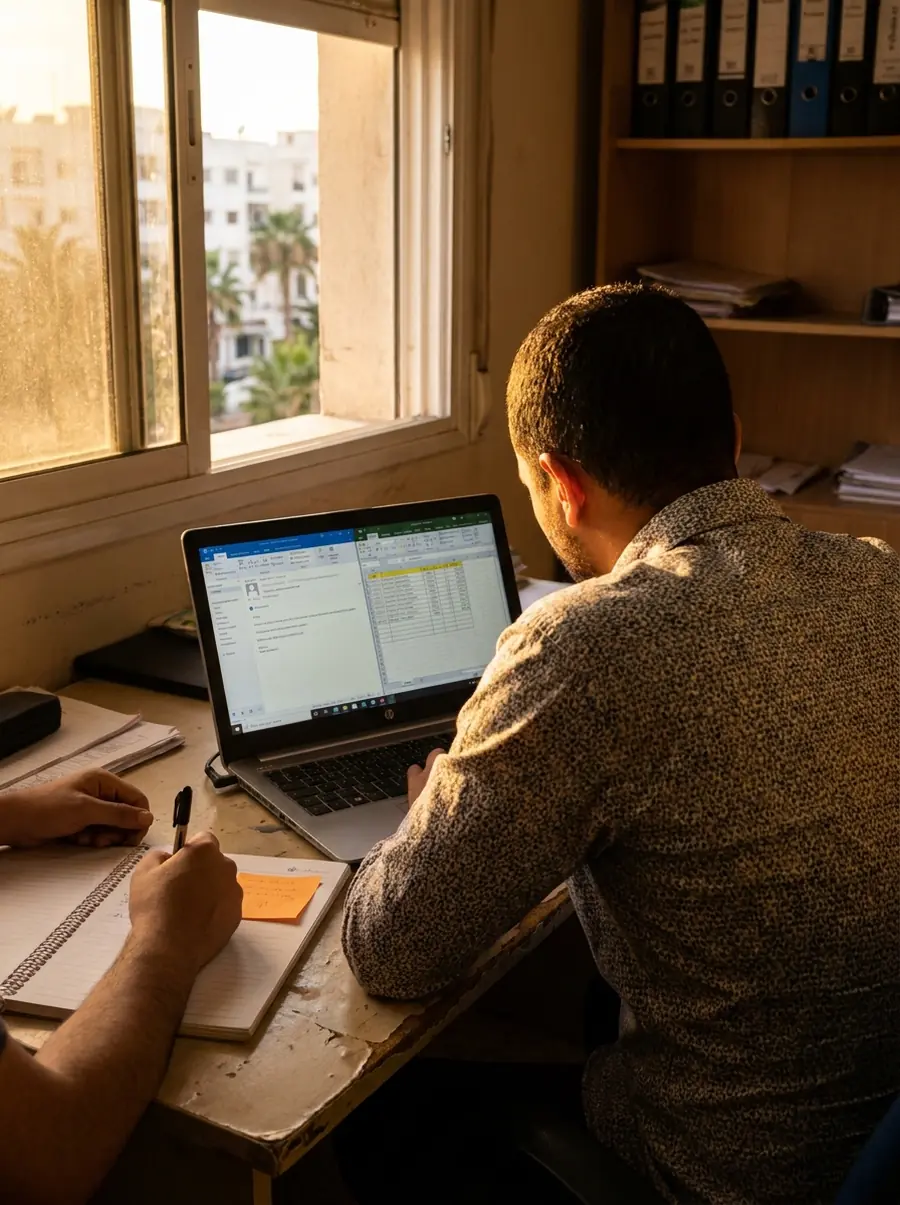
An example: in a training center, the secretary writes to forty families every Thursday to announce Saturday's session. Once the task is automated, the list of enrolled students lives in a spreadsheet, the management approves the text once, and the message goes out the day before. The secretary now handles only the exceptions.
- Write down the task as it is done today: who does it, when, with which tool, and the exceptions (a canceled session, a family without an email address)
- Automate only this task, with the tools already in place if possible: Google Forms, Google Sheets, Google Calendar, WhatsApp Business, and n8n to connect them all
- Test for a month with a pilot group, keep one person who approves, then move on to the next task
And if no task gets three "yes" answers?
Then the most frequent task wins, as long as a mistake can be fixed within the day. A meeting reminder sent twice can be corrected; a grade wrongly copied onto a report card cannot.
For the full list, our guide reviews ten school tasks, from pre-enrollment to meeting minutes, with what the machine takes on and what the team keeps for each. Go through them one by one in the checklist below.
What does the team keep in hand, and who already applies this method?
The decision and the tone. Fixed messages, such as a confirmation, can go out on their own once the text is approved; replies drafted by AI remain drafts that are reviewed before sending. Two limits: an automatic WhatsApp send goes through WhatsApp's official offer for businesses, with approved message templates and a cost per message; and families' contact details are personal data, which in Morocco fall under law 09-08.
We apply this method ourselves: our own systems were built one process after another, and what we deliver, we first run in-house. Among the systems we have delivered: the AI assistant of an education professional, put into service on 10/16/2026; it tracked incoming messages, transcribed voice notes and suggested each reply, which she approved.



 4,8