Schools and training centers · November 2, 2026 · 5 min
School paperwork: which task should you automate first?
By Abdellah El Ghazi, founder of TeamElGhazi
Short answer: start with a single task, the one that comes back every week, that everybody dreads, and where a mistake would hurt no one. Write down how it is done today, automate it, test it for a month, then move to the next. The machine prepares, a person approves.
Pre-enrollment, tuition reminders, absences, certificates, meeting minutes: in a school or training center the list of repetitive tasks is long. The common mistake is to automate everything at once with a big piece of software before seeing what works for you. People get tired, the team gives up, and the ledger comes back.
Three questions to pick the first task
1. Does it come back every week?
A frequent task quickly pays back the time spent automating it: session reminders, absences, the same questions from parents. A yearly task can wait.
2. Does everybody dread it?
Retyping, reminding, counting: if nobody wants to do it, the team will welcome automation as a relief, not a threat.
3. Would a mistake be harmless?
For a first try, avoid anything touching official grades or money without a check. A meeting reminder or an automatic confirmation is ideal: if a message goes out twice, it is not serious, and you fix it.
Then: write it down, automate, test for a month
- Describe the task as it is done today: who, when, with which tool, and the exceptions.
- Automate only that task, with the tools you already use when possible, and n8n to connect them.
- Test for a month with a pilot group, keep a person who approves, then move on.
All 10 tasks in a free PDF guide
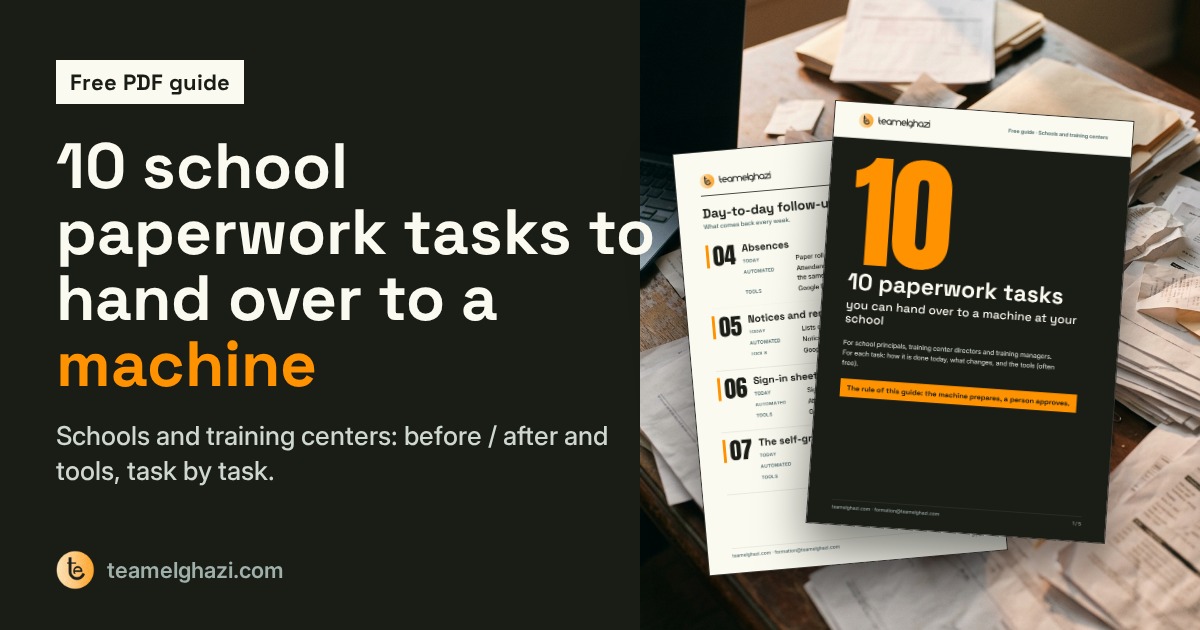
I put together a 5-page guide with the 10 paperwork tasks a school can hand over to a machine: how each is done today, what changes, and the tools. Get the PDF guide. To have it set up for you: automation for training providers.
Frequently asked questions
How many tasks should we automate at first?
One. It should run smoothly for a month before you add another. That is how the team gains confidence and fixes the details (exceptions, message wording).
Can AI send messages to families without any check?
I don't recommend it at first. Fixed messages (reminders, confirmations) can go out on their own once the text is approved; replies drafted by AI stay drafts that a person reviews before sending.
Which tools do we need?
Often free tools you already have: Google Forms, Google Sheets, Google Calendar, WhatsApp Business, and n8n to connect them. The free PDF guide lists the tools task by task.
Get the 10 tasks, before / after and tools, as a PDF.
Get the guide