
Skip to content
TeamElGhazi
ENChange language
Make a request
Design and creation
Training and AI skills

Design and Creative Courses: Graphics, Video and 3D

An idea in your head. A visual, a video or a 3D object on screen.

In briefA visual, a video or a 3D object: TeamElGhazi's Design and creation courses, graphic design (Canva, Figma, Adobe suite), video editing (reels, shorts, YouTube) and 3D modelling with Blender, open on the date you choose, for one person, a group or a team, online live or on site in Morocco. Each one ends with a creation of your own, source files included.

Google4,8out of 5 · 11 Google reviews

En pratique

Audience
Individuals, students, shopkeepers, freelancers, communications teams, teachers, institutions
Courses
Graphic design · Video editing · 3D modelling with Blender
Start date
On the date you choose
Formats
Private lessons · private group · in a company · in an institution; online live or on site in Morocco
Deliverable
Your own creations: visuals, videos or 3D objects made during the course

LanguagesSessions, materials and exchanges in 100 languages. Online everywhere; on site in Morocco.

The programmes

Choose
your programme.

Duration, format and audience are on the card. The details are on the page.
  • 01

    Graphic Design

    A good visual reads in two seconds. The rest is noise.

    Duration
    Set in the written programme
    Format
    Live online · private lessons · private group
    Audience
    Beginners, shopkeepers, freelancers, associations, students, teachers
  • 02

    Video editing

    The first three seconds decide whether people watch the rest.

    Duration
    Set in the written programme
    Format
    Live online · private lessons · private group
    Audience
    Beginners, shopkeepers, creators, freelancers, teachers, students
  • 03

    3D Modelling

    No photo studio? Your object, rendered from four angles, without a single camera.

    Duration
    Set in the written programme, according to your level and your project
    Format
    Live online · private lessons · pre-arranged group · at your institution
    Audience
    Beginners, design or architecture students, creators, shopkeepers
  • 04

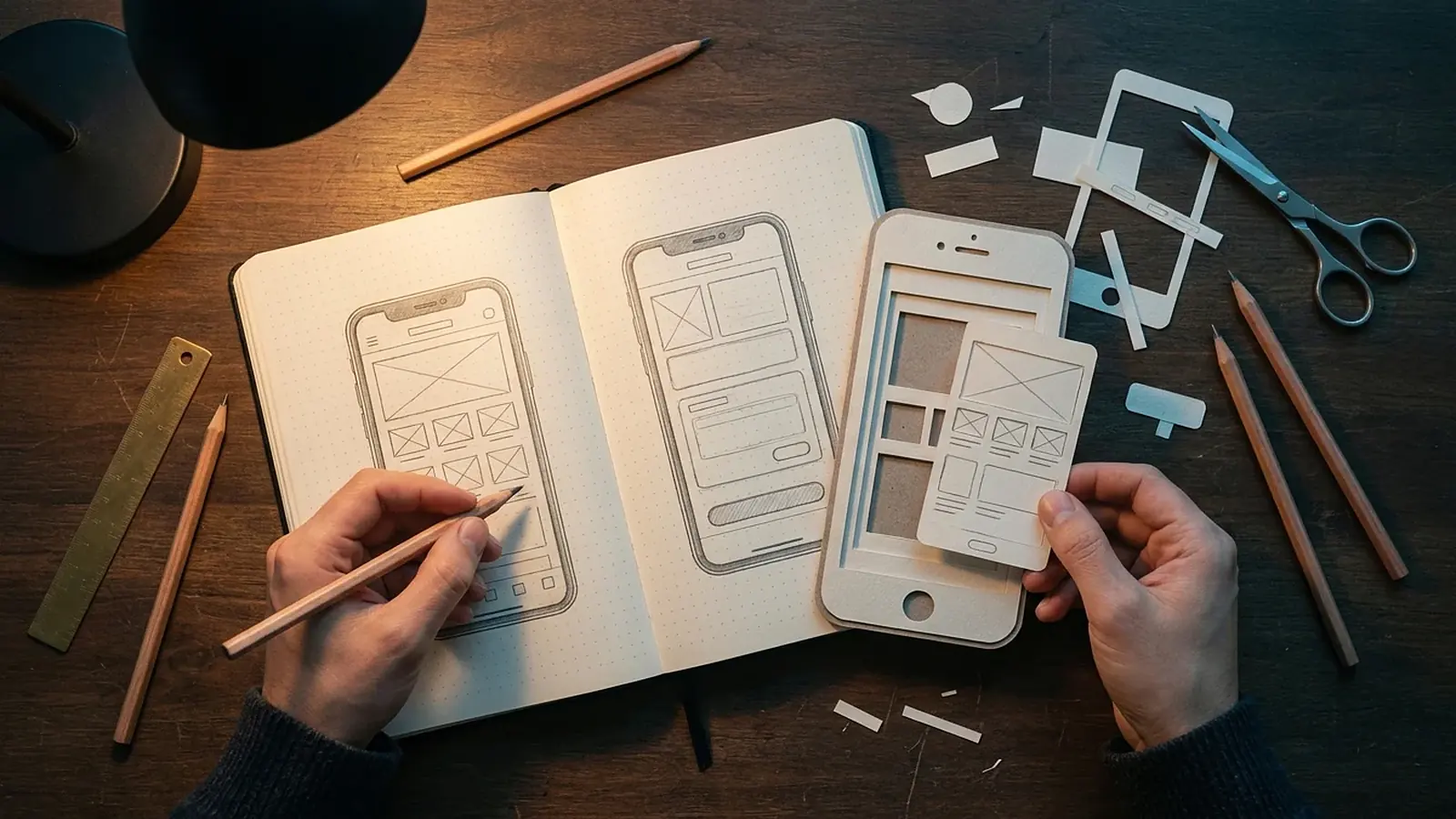
    UX/UI Design Course with Figma: Screens People Understand Without Help

    If the visitor has to look for the button, the screen is at fault.

    Duration
    Set in the written programme, according to your level and your project
    Format
    Live online · private lessons · group formed on request · in company
    Audience
    Beginners, developers, students, shop owners, product managers, teams
  • 05

    Marketing and graphic design

    A beautiful visual with no strategy sells nothing. The reverse is just as true.

    Duration
    4 months
    Format
    Hybrid, live online and in person in Casablanca
    Audience
    Individuals, students, shopkeepers, creators, employees, teams
  • 06

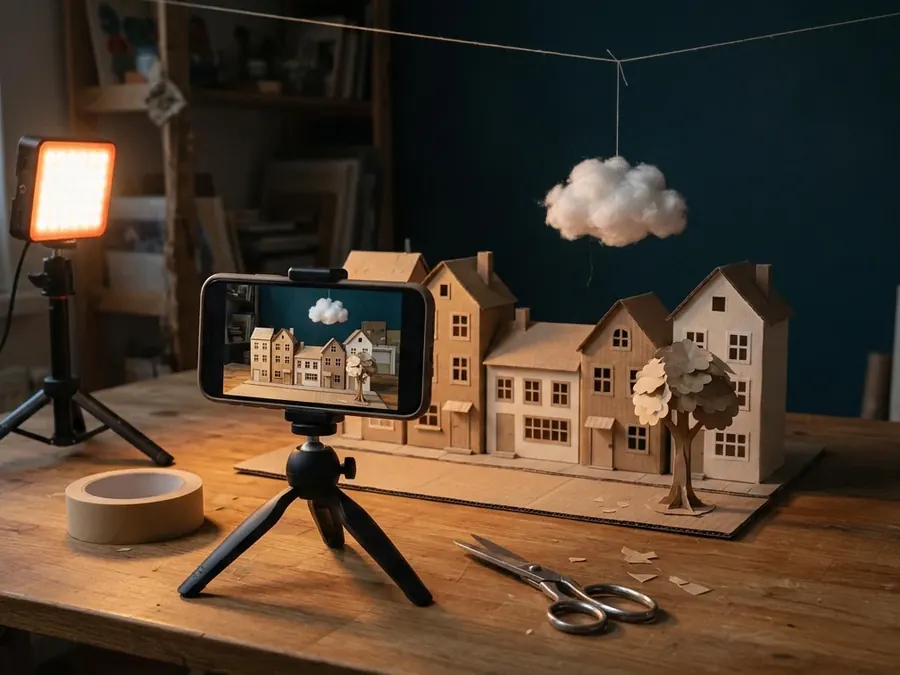
    Digital Creation Workshop

    From the phone that films everything to the video they are proud to show.

    Duration
    2 weeks
    Format
    Two-week course, with a trainer
    Age
    8 to 14 years
  • 07

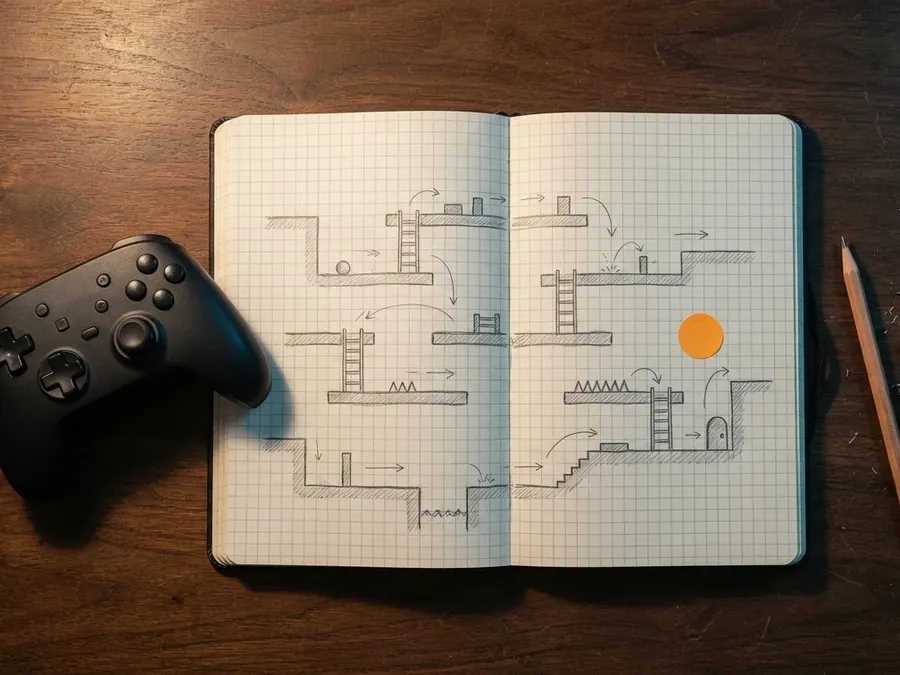
    3D and Video Game Academy

    Does your teenager spend hours playing? Two weeks to move to the other side of the screen.

    Duration
    2 weeks
    Format
    Two-week course, with a trainer
    Age
    12 to 14 years
Un de nos supports

D'abord la marque, ensuite les visuels

La première page de notre support 3, « Google Flow : posts, logos et carrousels » : une description de la marque écrite une fois, puis collée à chaque visuel.
Support 3 · Google Flow, posts, logos et carrousels.pdf1 / 7
Support de cours 3D'abord la description, ensuite les visuels

La description de la marque : un long texte de référence préparé une fois, avec ses couleurs, ses polices, son ton, ses règles, ses formats et ses interdits. On le colle dans Google Flow à chaque visuel : le post, le logo et le carrousel se ressemblent.

PartiePage
1Pourquoi une description de marque2
2La faire écrire avec ChatGPT ou Claude3
3Sa structure4
4Post et logo dans Flow5
5Un carrousel cohérent6
6Exercice7

Support de cours 3 · TeamElGhazi

How it works

Ce que vous voulez voir à l'écran choisit l'outil

  1. 01
    Une affiche, une vidéo ou un objet ?Un visuel ou une charte mène au design graphique ; un reel ou une vidéo YouTube, au montage ; un objet à faire tourner, à Blender.
  2. 02
    Votre machine vérifiéeUn téléphone suffit pour Canva et les reels ; pour Blender et les longues vidéos, nous regardons votre ordinateur avant l'inscription.
  3. 03
    Votre création comme exerciceChaque séance avance sur votre propre fichier : un visuel aux couleurs de votre activité, une séquence, un objet.
  4. 04
    Les fichiers sources remisVous repartez avec vos créations, leurs fichiers ouverts et des modèles pour la suite.
To help you choose

Answers
before you choose.

What we are asked most often before starting.
01

Which design and creative courses can you take?

Three courses, each with its own page: sample programme, audience, structure and enrolment button.

  • Graphic design: posters, social media visuals, a simple logo, a colour palette, with Canva, Figma and the Adobe suite.
  • Video editing: reels, shorts and YouTube videos, from filming on a phone to export, subtitles included.
  • 3D modelling with Blender: model an object, set the lighting, render an image or a short animation.
  • For website and app interfaces, the UX/UI design course with Figma has its own page.

02

Who is it for, and from what level?

For everyone: an individual who wants to create for their own project, a student building a portfolio, a shopkeeper who makes their own posts, a communications team, a school opening a module. Beginners are welcome in all three courses.

One example: a pâtisserie posts hastily taken photos every week. The person running the page learns to make a visual template in the shop's colours, then a 20-second reel edited on their phone.

03

Are there programmes with fixed dates in this field?

The three courses on this page open on the date you choose. Two programmes in the catalogue touch on the same field: Operational Marketing and Graphic Design, a 4-month pathway that includes a design module and a short video module, and, for 8 to 14 year olds, the Digital Creation Workshop and the 3D and Video Games Academy.

For one-to-one tuition, private lessons are priced by quote.

04

What does this field rest on at TeamElGhazi?

On our Studio, which produces TeamElGhazi's videos, carousels and visuals, and on our course materials. Material 3, "Google Flow: posts, logos and carousels", whose contents are shown above, starts from a simple rule: first the description of the brand, then the visuals, all from the same family.

Specialist software, such as the advanced Adobe suite, is handled by instructors who work under the TeamElGhazi brand.

05

How is a design course set up?

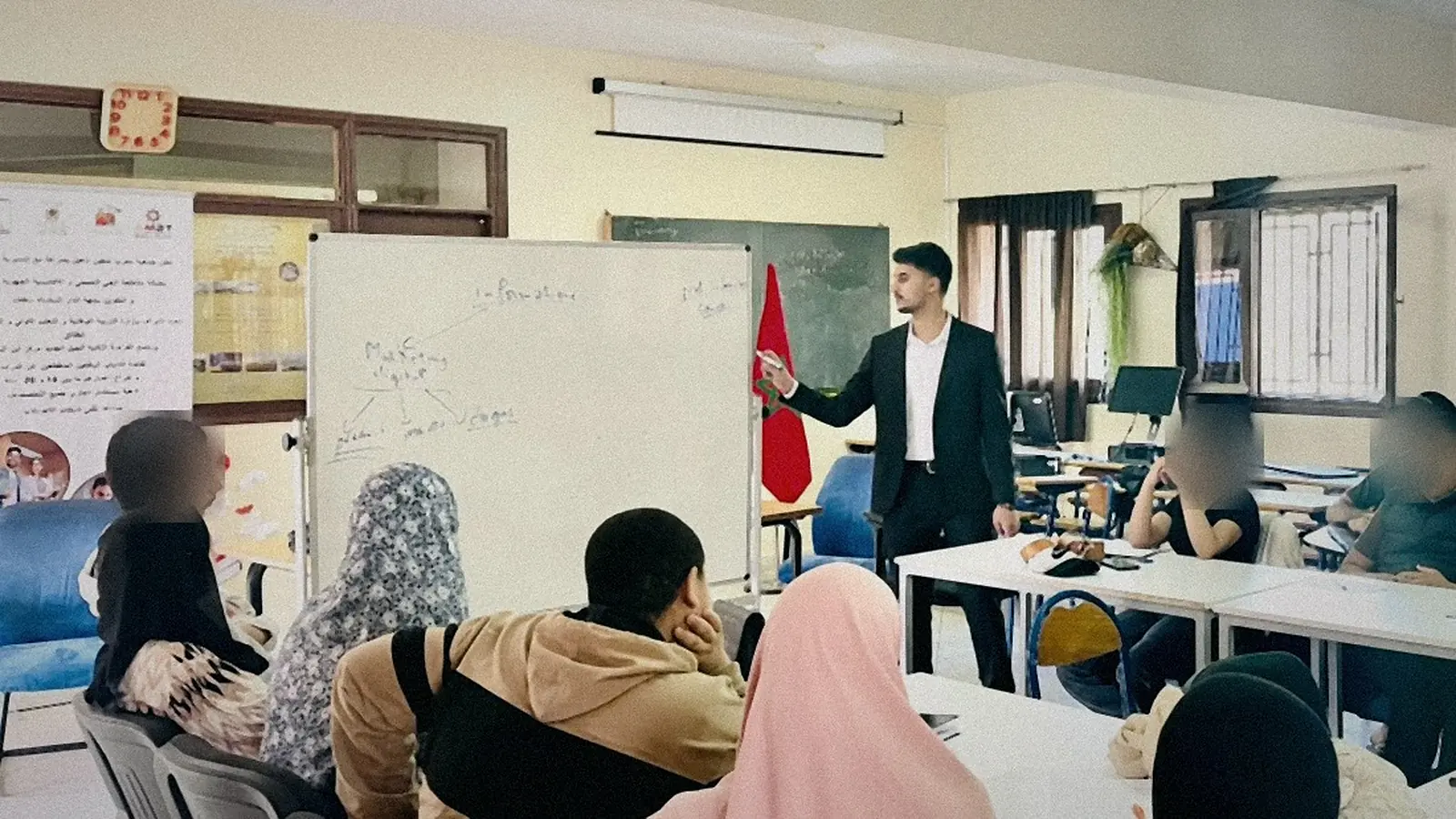
You describe what you want to produce, your level and your tools, through the form or during a 30-minute meeting on planning.teamelghazi.com. You receive a written programme, a duration and the fee. Sessions are live: the trainer demonstrates, you work on your own screen, and they correct your file.

Frequently asked questions

Your questions
about these courses.

4 answers

Do you need to be able to draw to learn graphic design?

No. Graphic design rests mainly on rules of layout, colour and readability, which can be learned. Freehand drawing is not required.

What computer do you need for video and 3D?

For Canva and reel editing, an ordinary computer or a phone is enough. For Blender and long videos, a recent graphics card helps; we tell you before enrolment whether your machine is suitable.

Is the software paid for?

Blender and the free version of Canva cost nothing; Figma has a free plan. The Adobe suite requires a subscription in your name, which we do not provide.

Can you take these courses alone, as private lessons?

Yes. You work on your own project, at the times you choose. It is often the quickest format for a portfolio or a shop.

Your request

Your request
comes in here.

in 100 languages
01 · Make a request
Your request
You
At least one of the two: email or phone.
Sending

Your data is used only to reply to you (Law 09-08, GDPR). Privacy
02 · Meeting30 min

Individuals, institutions, companies: you choose your slot online. A first 30-minute conversation for a project, or your lesson hours.

Choose a slot
03 · A call, an e-mail06 60 66 59 52

Call us, or write to contact@teamelghazi.com

Service delivered in
  • 100 languages
From Casablanca: on site in Morocco, remotely everywhere.
Make a requestMeeting