Schools · 12 November 2026 · 5 min
AI on by default in schools: 5 decisions to make before your vendor does
By Abdellah El Ghazi, trainer and founder of TeamElGhazi (Casablanca, Morocco)
Short answer: AI reaches school tools through updates, not through a leadership decision. Before flipping the switch, a school should name who runs the admin console, choose who gets AI first, write down allowed uses, know where student data goes, then inform families and train teachers.
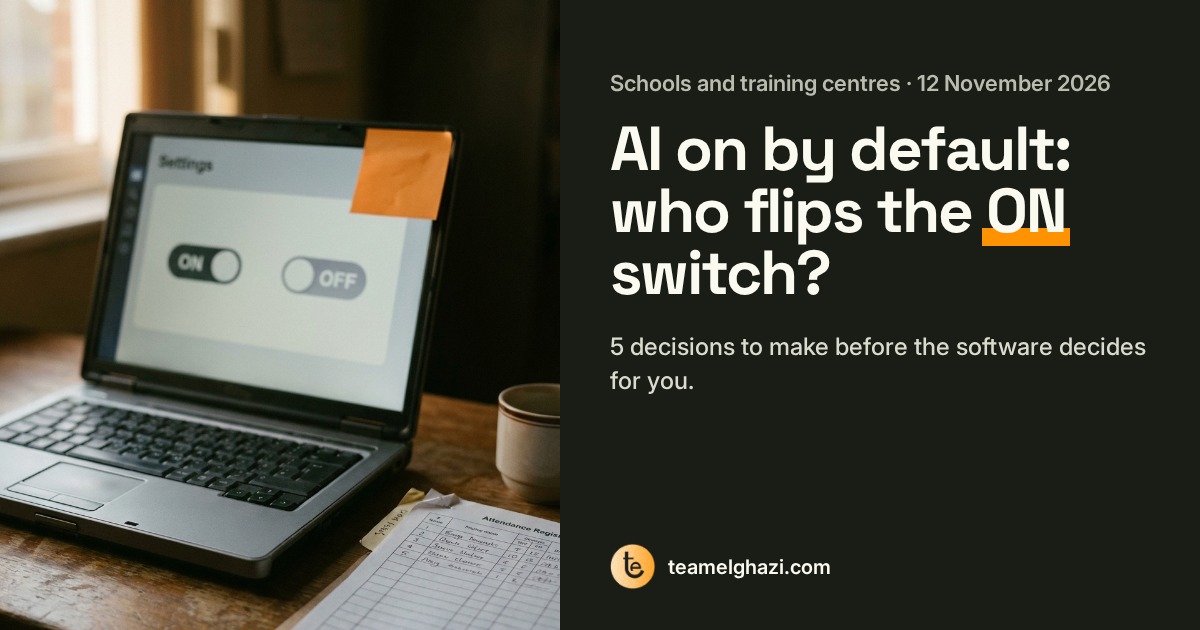
What happened in the US this week
On November 3, Google announced new settings for US K-12 schools: Gemini, Gemini Notebook and Google Search are now off by default for students until the school turns them on. But the new AI study helper, Guided Learning, cannot be switched off separately, and a school that blocks Google's AI products also loses Google Search. Google says search and AI are now too integrated to separate, and that it is building new safeguards, including a way for teachers to review students' chatbot transcripts.
On November 9, Massachusetts Senator Ed Markey asked Google to reverse the policy, calling it an ultimatum. On November 11, parents, teachers and teacher union leaders rallied outside Google's Cambridge office, with other protests at its offices in New York, Chicago and Los Angeles. Their demand: the right to opt out of AI while keeping Search.
The lesson applies to every school, in Morocco, the US or elsewhere: AI features arrive in tools the school already uses, at the pace of vendor updates. If nobody decided in advance, the default setting decides.
The 5 decisions, and what to have in writing
1. Name who controls the admin console
Google Workspace, Microsoft 365, your learning platform: each has a console where services are switched on or off, usually by user group. In many schools nobody is quite sure who has access, or what changed in the last update.
Have in writing: One named person (and a backup), a written list of admin accounts, and a regular check of what the vendor has newly switched on.
2. Decide who gets AI, and in what order
Teachers, office staff, college students, middle schoolers: needs and risks differ. Consoles usually let you set services per group rather than for the whole school at once.
Have in writing: A written order, for example: volunteer teachers and office staff first, then one grade level, then the rest, with a review date between each step.
3. Write down allowed uses before opening
Turning a tool on without rules lets every classroom invent its own. Students then get conflicting instructions from one teacher to the next.
Have in writing: One simple page: what is allowed, what is not, and how a student shows they used AI. We shared a template in our School AI policy article (link below).
4. Know where student data goes
A student's chat with an AI assistant often holds more than expected: name, class, struggles, sometimes personal details.
Have in writing: A written answer from the vendor: where data is processed, how long it is kept, whether it trains a model, and how it is deleted when the student leaves.
5. Inform families and train teachers before, not after
Much of the anger in the US comes from the feeling that the decision was made elsewhere. A family that discovers the tool on a child's device reacts differently from one that was told in advance.
Have in writing: A message to parents before activation (what changes, why, who to contact) and teacher training on concrete uses, with student data protection on the agenda.
What if the vendor bundles two services?
That is the heart of the US dispute: you cannot keep one without accepting the other. If it happens to you, write down exactly what is bundled, ask for the vendor's position in writing, and compare the cost of another option for the service you truly need. An informed decision, even an imperfect one, beats an activation you simply undergo.
Going further
- To write allowed uses: School AI policy: 5 rules that fit on one page.
- To train teachers on concrete uses (materials, follow-up, admin tasks, ethics and student data): the AI-Augmented Teacher course (2 months online, teams on quote).
- To save time without sensitive data: our free guide 10 paperwork tasks to automate in your school.
FAQ
Should a school turn AI on for students as soon as it is available?
No. Nothing forces a school to open everything at once. Many start with teachers and office staff, write down what is allowed, inform families, then open AI to students one grade level at a time.
Who should decide on AI settings in a school?
School leadership, with one named person who manages the admin console (Google Workspace, Microsoft 365, the learning platform). The vendor sets defaults; the decision stays with the school.
Which law protects student data in Morocco?
Law 09-08 on the protection of individuals with regard to the processing of personal data, overseen by the CNDP. Before enabling an AI tool for students, ask the vendor in writing where data is processed and how long it is kept. In the US, check FERPA, COPPA and your state's student privacy rules.
Sources: The Boston Globe, "Protesters urge Google to let schools opt out of AI, keep Google Search", 11/11/2026; Fairplay press release of 11/09/2026 on the changes Google announced on 11/03/2026. Image: illustration photo.
Preparing your school for AI? Let's talk about your team.
Request a quote