Schools and training centres · October 29, 2026 · 5 min
Absences: how to notify learners and families the same day, without typing anything
By Abdellah El Ghazi, founder of TeamElGhazi
Short answer: attendance is taken on a phone and fills a spreadsheet; at a set time, an n8n workflow sends a message (WhatsApp or email) to each absent learner or their parents, using text approved by the school; on Friday, the person in charge receives the list of repeated absences. Staff stay in control, and follow-up no longer depends on anyone's memory.
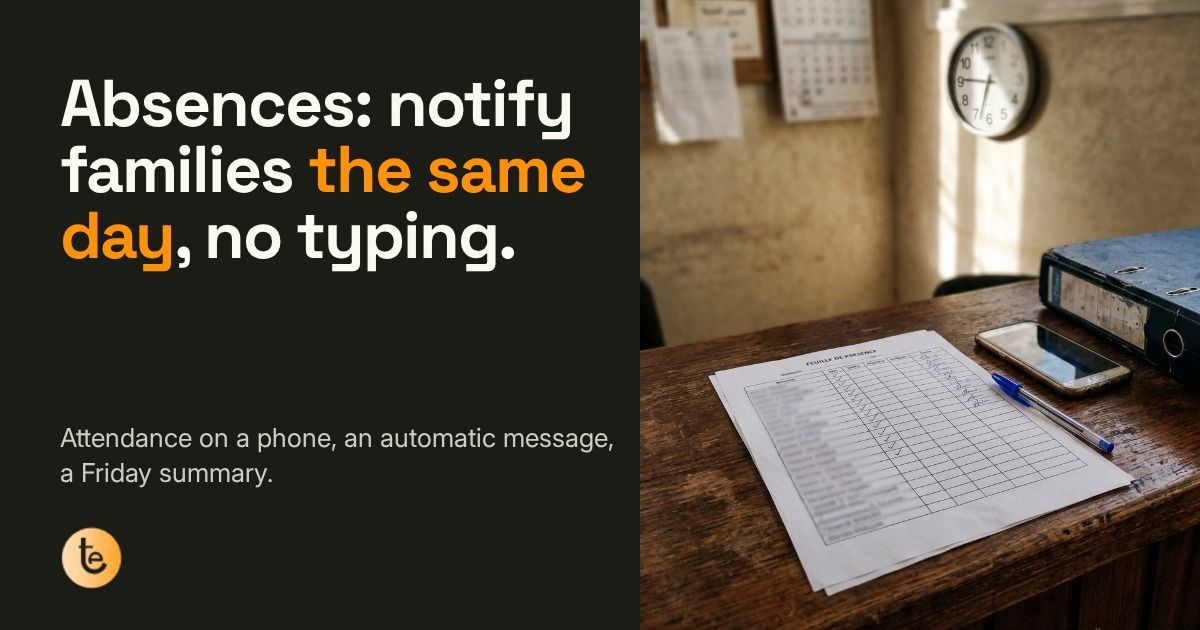
9:10 a.m. at the front desk of a school or training centre: the attendance sheet is filled in, a few boxes stay empty. In many places the sheet then goes into a binder, and repeated absences only show up in the monthly review, when it is hard to bring a disengaging learner back. Nobody did their job badly: one step is simply missing between the sheet and the phone.
The workflow in 3 steps
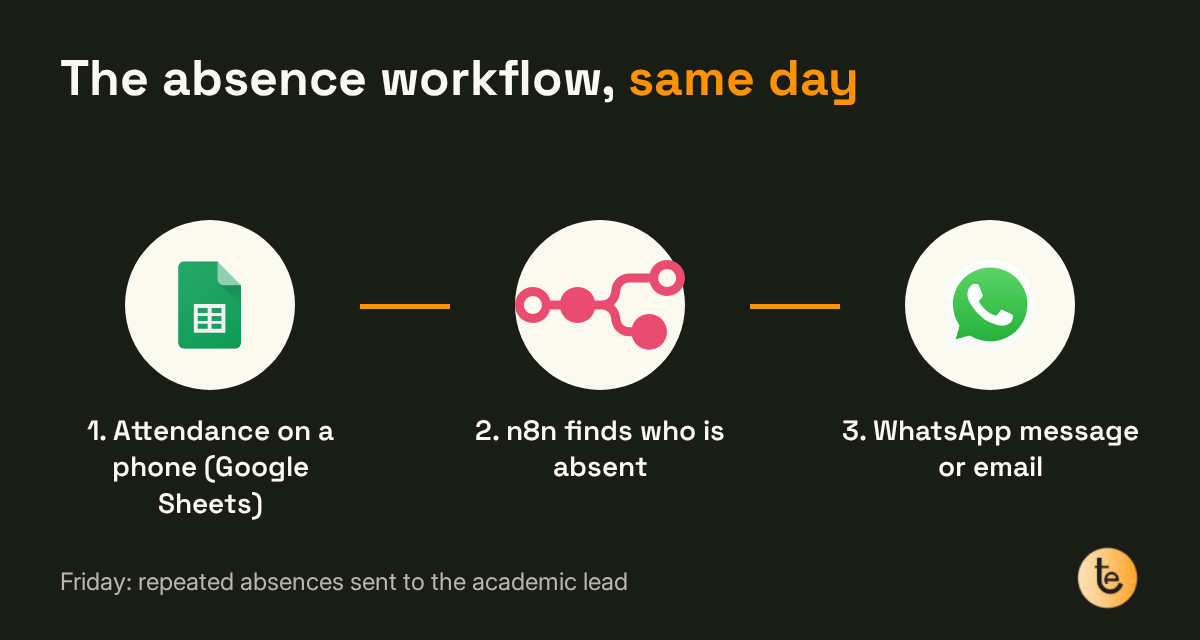
1. Attendance is taken on a phone
Each group's list lives in a Google Sheet (or behind a simple form). The teacher ticks present or absent from their phone at the start of class. It is the same list as before, but it lands straight in a shared spreadsheet.
2. The message goes out the same day
At a time chosen by the school, an n8n workflow reads the sheet, finds the absent learners and sends each a WhatsApp message or an email, to the learner or to the parents depending on age. The text is written and reviewed once; it can include the class name and how to justify the absence.
3. The Friday summary
Every Friday, the academic lead receives a summary of the people absent several times that week, and calls the right people instead of going through the whole list.
What to prepare first
- Up-to-date contacts for each learner or family, and their consent to be notified by WhatsApp or email.
- The message text, approved by the school leadership, in one or more languages.
- The sending time and the person who receives the Friday summary.
- A simple rule for exceptions: field trips, cancelled classes, absences already justified.
Mistakes to avoid
- A blaming tone: the goal is to inform and open a conversation, not to punish.
- Automating before attendance is reliable: if the list isn't ticked on time, messages go out by mistake. Start with one pilot group.
- No way out: every recipient must be able to stop receiving these messages on a given channel.
Learn it, or have it built
- Teachers learn to use AI and lighten admin work with AI-Augmented Teacher (1,500 MAD, 2 months online).
- One staff member learns n8n with Automation & No-Code (1,500 MAD, 1.5 months online).
- TeamElGhazi builds it for you: see Business Automation & AI, or our AI training for teams (on quote).
For more tasks worth automating first, read what a small business should automate first with n8n and our page n8n automation in Morocco.
FAQ
Do we need school management software to automate absence follow-up?
No. The workflow described here runs on a Google Sheet (or a form) for attendance and an n8n workflow for the messages. If your school already has software that exports absences, n8n can start from that export.
Do messages go out without the school's control?
The message text is written and approved once by the school. After that it goes out automatically for each absence, at the chosen time. Staff can pause sending for a group or a given day.
Can these messages be sent on WhatsApp?
Yes, as long as the people concerned have agreed to be contacted that way and the numbers are up to date. Email remains an option. Follow the personal data rules that apply in your country (in Morocco, law 09-08).
Who sets it up?
Either your team learns to do it (Automation & No-Code or AI-Augmented Teacher course), or TeamElGhazi builds it for you through the Business Automation & AI service.
Want this workflow in your school?
Contact us