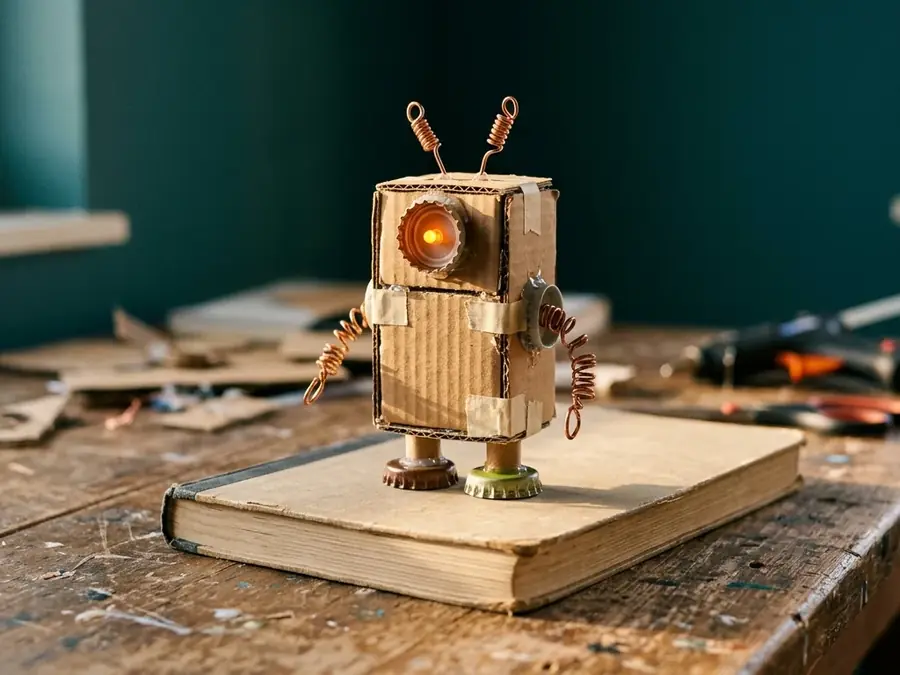
TEMO: How We Built Our AI Tutor
The hardest part wasn't getting the AI to answer. It was stopping it from saying everything.
- Audience
- Students, from middle school to university
- Product
- TEMO, AI tutor and homework help


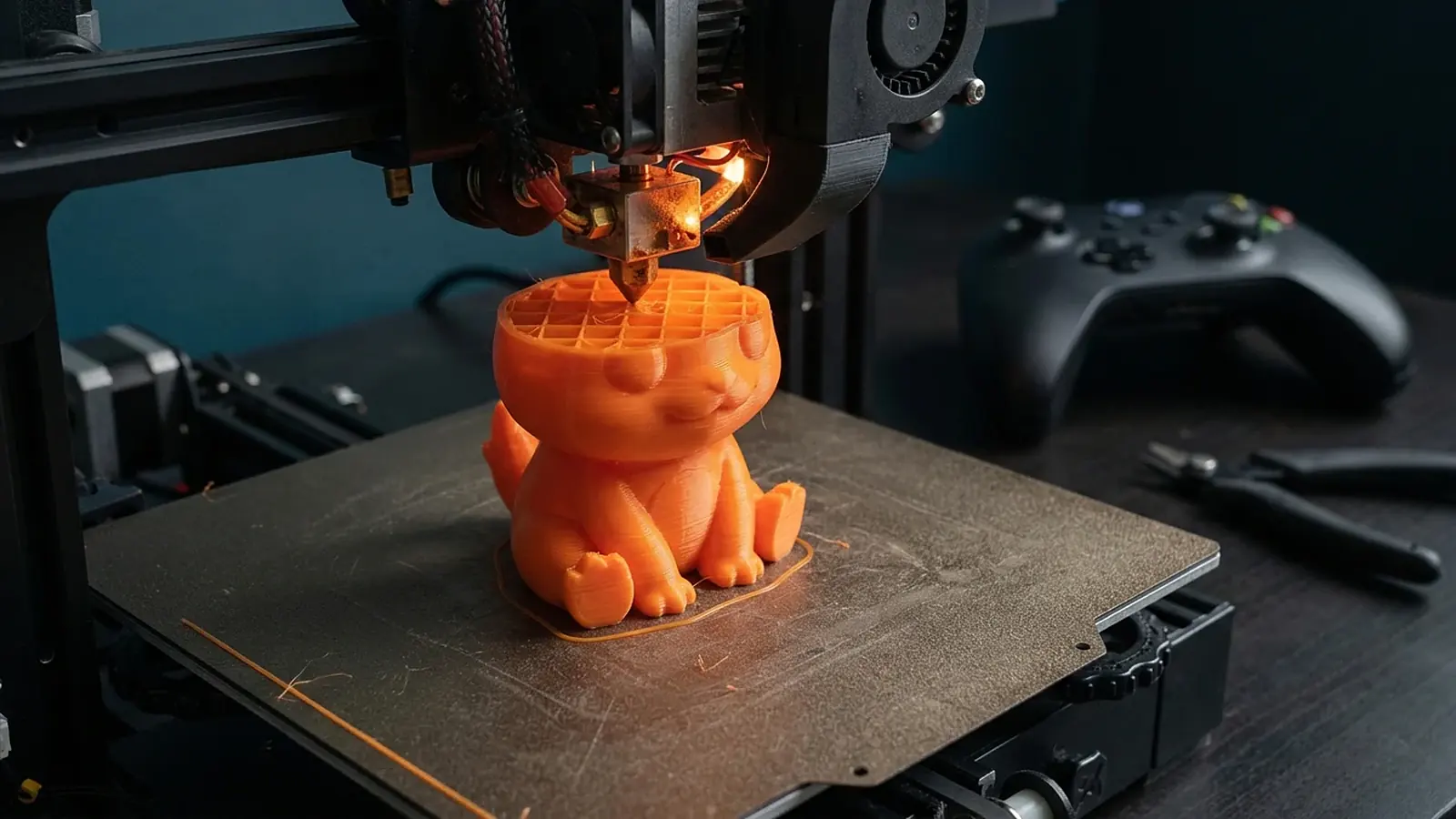
In briefDuring two weeks of vacation, TeamElGhazi's 3D and Video Games Academy turns 12 to 14 year olds from players into creators. With an instructor, they build a 3D setting, adjust the camera and sound, add a menu and a score, then have the whole group test their level before bringing it home.
 4,8out of 5 · 11 Google reviews
The program sheet
The final project
A playable 3D game, exported, tested by the group, and a certificate given to the participant
For a teenager who is comfortable with a computer, who plays games and wonders how a game is made. They don't need to know how to program, but a little patience helps: 3D takes precision. The camp is for ages 12 to 14.
An example: a teen keeps saying at home, "I want to create my own game." On the first day of the camp, they place a floor, a cube and a light. On the last day, their level has a menu, a score and music, and the other participants play it while they note what needs fixing.
No, and that's the whole point. Creating a game forces you to think: why is this level too easy, where should the camera go, what happens when the player falls? The teen goes from player to creator.
The settings they learn are those of our Studio, which produces TeamElGhazi's videos and animations with a library of 3D objects: a camera angle, a light that makes a shape stand out, a sound that arrives at the right moment.
The camp lasts two weeks, with an instructor, at a school, at home or online. The location, dates and hours are set with you at enrollment, for the vacation that suits you.
Each day adds a layer to the game: the setting, then the objects, then the camera, then the sound. The last day is a testing session: everyone plays the others' games and says what works and what gets in the way.
An exported game that they can launch and show off. And a method: build step by step, test, listen to feedback, fix. A certificate is given to them at the end of the camp.
Before, for the youngest: Scratch for Kids, which teaches the logic of a game with blocks. After: the Programming Club, to keep going as a group, or Python for kids and teens, to write the code for the game rules line by line.
For homework during the school year, TEMO, the AI tutor we built, gives a hint and lets the teen find the rest: the same rule as during the camp.
The hardest part wasn't getting the AI to answer. It was stopping it from saying everything.
Their first game, made by them, in one month.
Does your child play games? Let them build one.
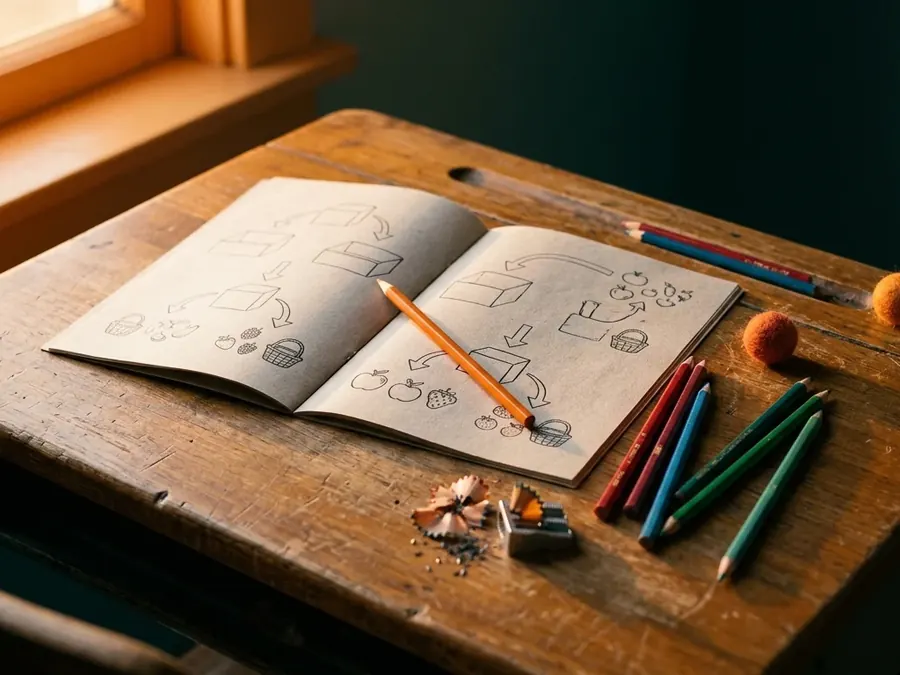
A machine that learns from examples: at 10 years old, you can play the machine before you ever use it.
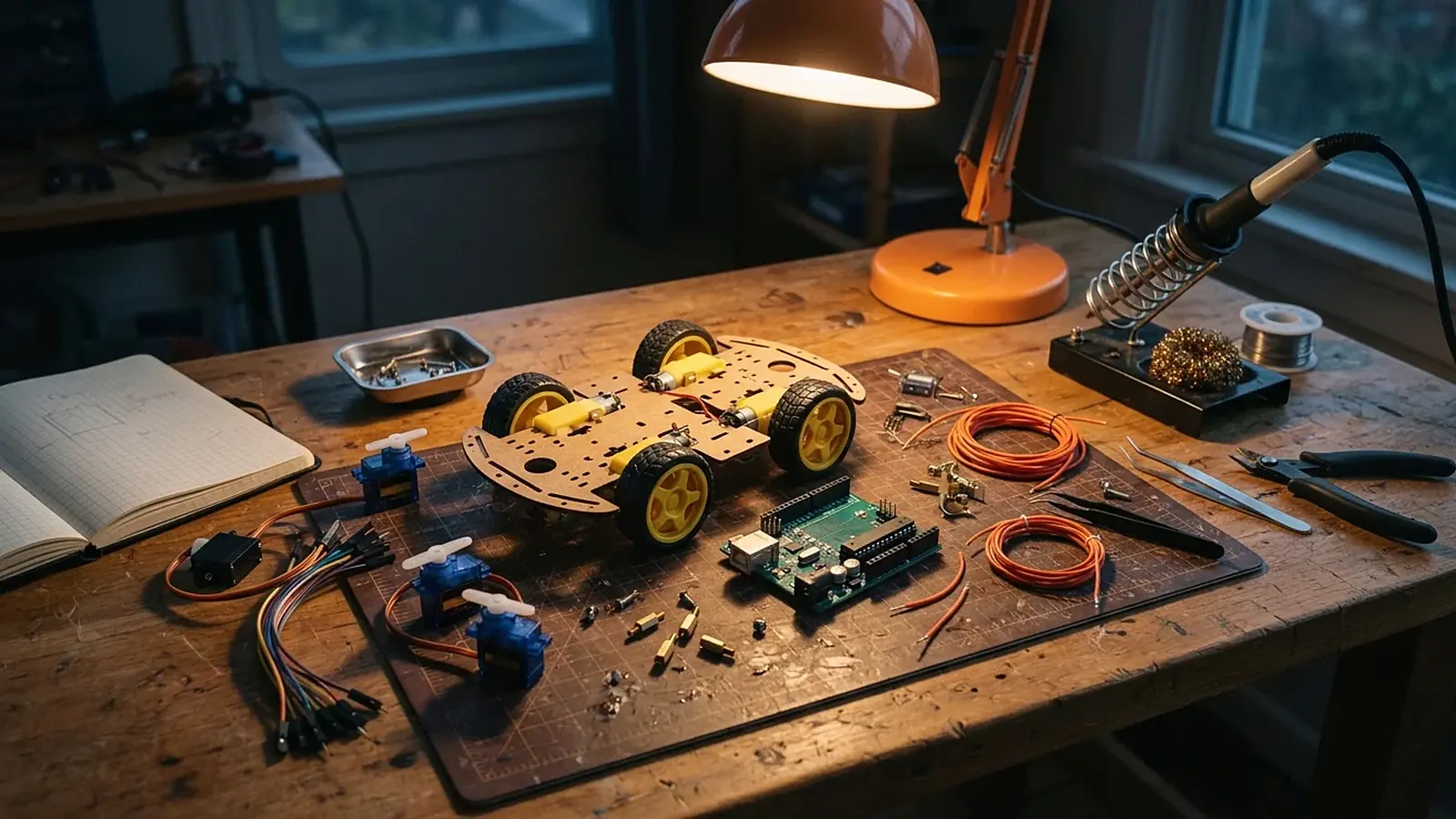
One wire, one LED, one line of code. And the robot moves.
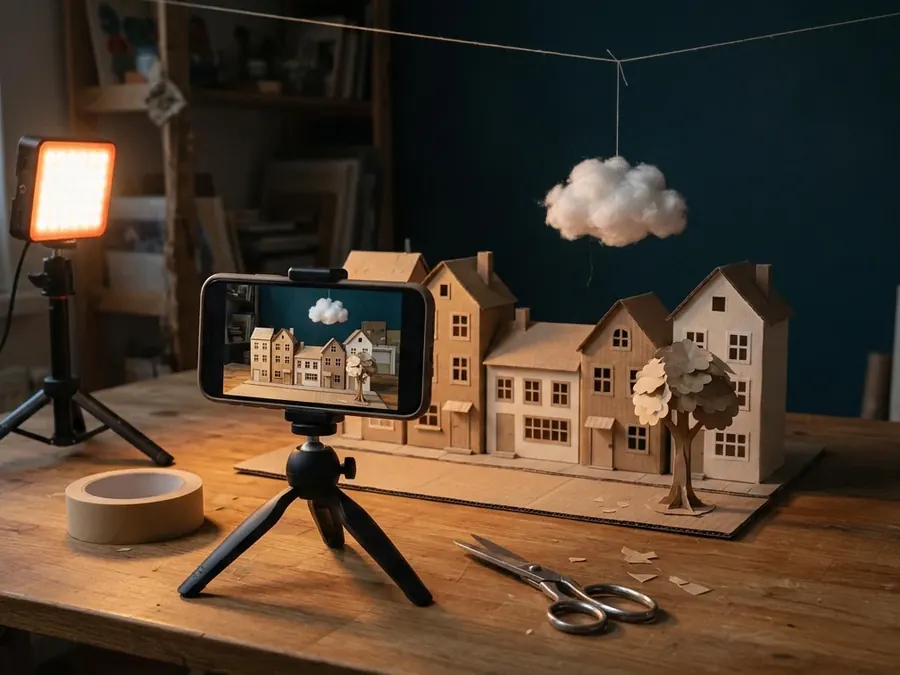
From the phone that films everything to the video they are proud to show.
5 answers
Free game creation software, chosen for beginners of this age. Its name and how to install it are given to you before the camp, so that the first day is already spent building.
3D takes more resources than a word processor. Tell us which computer your child has: we'll tell you whether it's enough and what is planned during the camp.
No. The camp starts from shapes, settings and game rules. Those who want to write code continue afterward with Python.
With an instructor, at a school, at home or online. The location is set with you at enrollment; online, the teen shares their screen and the instructor follows every step of their level.
Yes, that's the goal: they leave with their exported game and know how to reopen it to improve it.
No question matches. Write to us: we answer everything.
Individuals, institutions, companies: you choose your slot online. A first 30-minute conversation about a project, or your hours of lessons.
Choose a slotThe course is already selected in the form. A question before you enroll? Let's take 30 minutes.