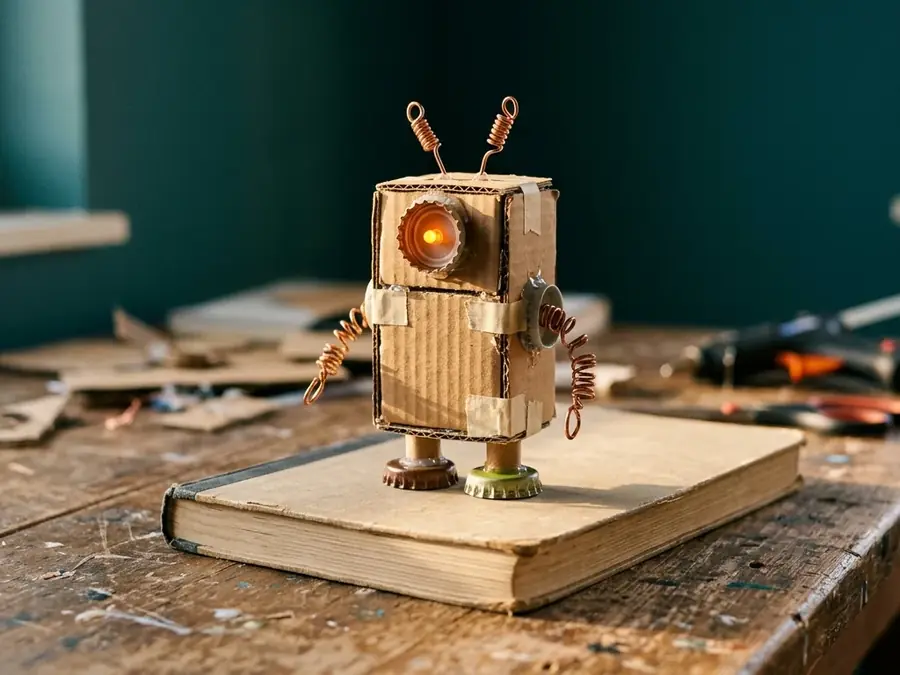
TEMO: How We Built Our AI Tutor
The hardest part wasn't getting the AI to answer. It was stopping it from saying everything.
- Audience
- Students, from middle school to university
- Product
- TEMO, AI tutor and homework help


In briefThe Coding Club is a regular TeamElGhazi workshop for kids ages 11 to 14 who want to create with a computer instead of only playing. In a group, with an instructor, at a school, at home or online, each young person builds a game, shows it to families and receives a certificate.
 4,8out of 5 · 11 Google reviews
The program sheet
The final project
A game created by the child, shown at an exhibition, and a certificate given to the child
Une pomme tombe du haut de l'écran. Le panier la rattrape avec les flèches. Chaque pomme attrapée vaut un point.
Indice 1, après 10 minutes
Indice 2, après 20 minutes
Indice 3, si l'équipe bloque encore
Pour aller plus loin
It is for a curious young person who likes to build, solve puzzles or invent stories. No prior programming is needed. The club is for kids ages 11 to 14. Tell us your child's age and what they have already done, and we will tell you whether the club suits them or whether another workshop is a better fit.
Here is an example: two young people work as a pair on a maze game. One wants a score, the other a timer. They have to agree, test, fix, then present their game to the group. That is what a club session looks like.
Sessions take place with an instructor, at a school, at home or online. The location and times are set with you at enrollment. The instructor stops by every screen.
A session starts with a short challenge, like the one shown above. The kids search for the answer, often in pairs. The instructor does not give the answer: they give a hint, then another if needed. This is the rule of TEMO, the AI tutor we built: a lead, not the solution.
Scratch for Kids is a one-month online course for younger children. The club is held with an instructor present, in a group, over a longer period, and it puts the emphasis on working in pairs and on presenting. A child can start with Scratch at home, then join the club.
They learn to break a problem into small steps, to test an idea and to start again when it does not work. They also learn to explain what they did in front of others.
We do not promise better grades at school. We promise one simple thing: by the end, your child will have built a game themselves and will be able to explain how it works.
Depending on their interests: Arduino Robotics to make real objects move, the AI Geniuses School to understand how a machine "learns", Python for kids and teens to move on to written code.
The hardest part wasn't getting the AI to answer. It was stopping it from saying everything.
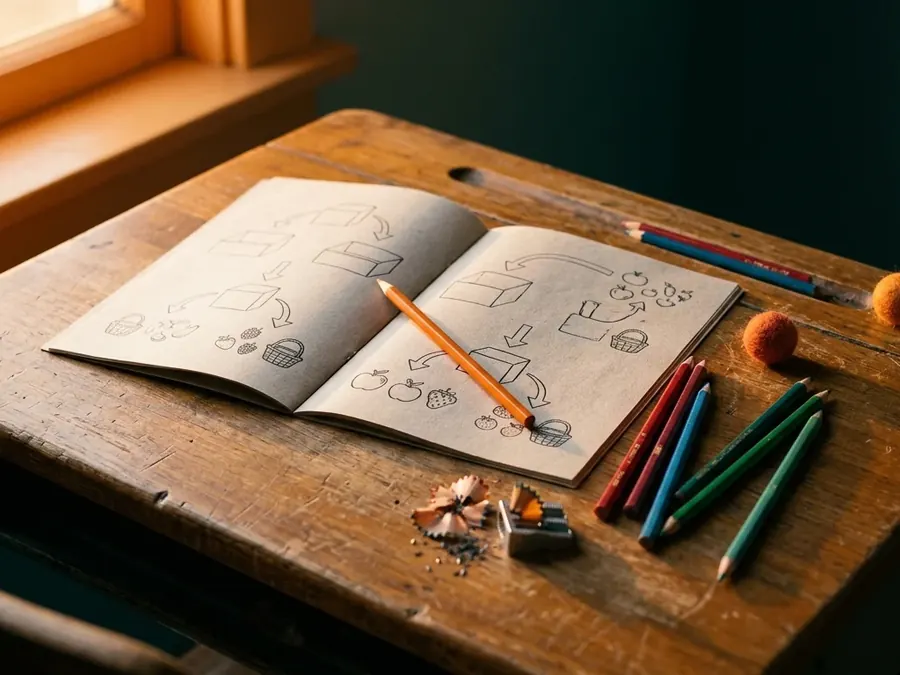
A machine that learns from examples: at 10 years old, you can play the machine before you ever use it.
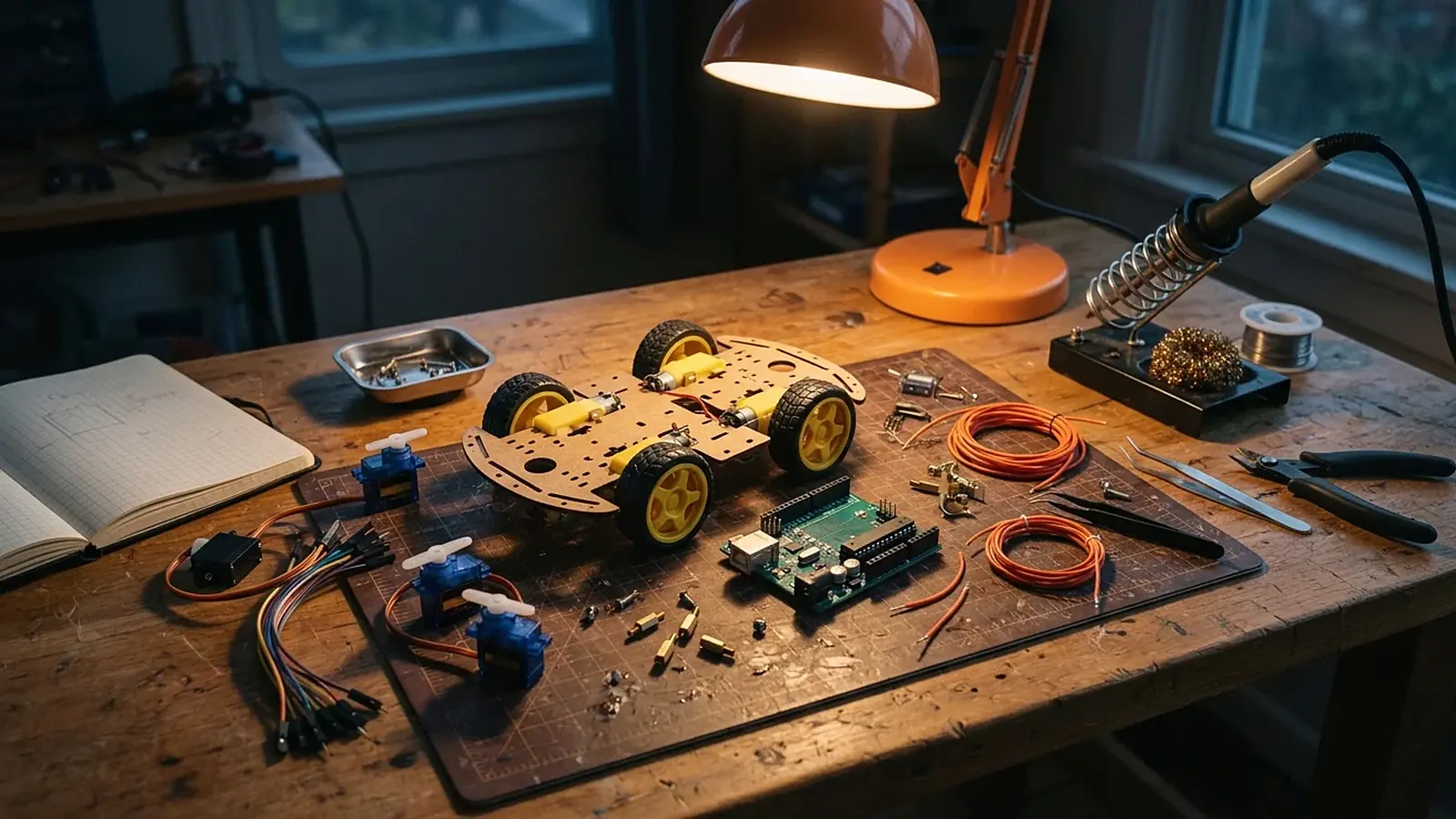
One wire, one LED, one line of code. And the robot moves.
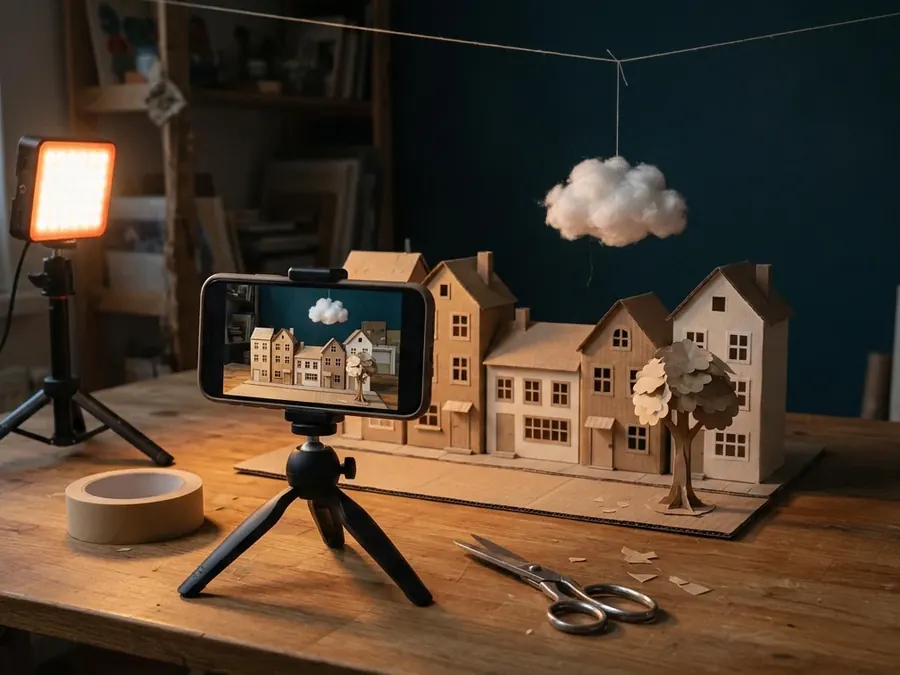
From the phone that films everything to the video they are proud to show.
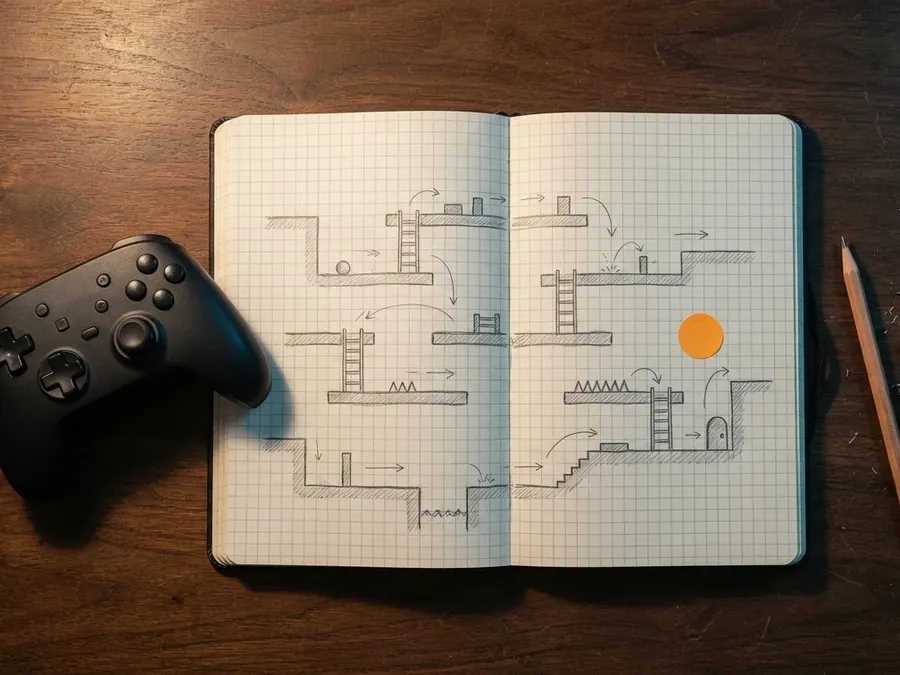
Does your teen spend hours playing? Two weeks to cross to the other side.
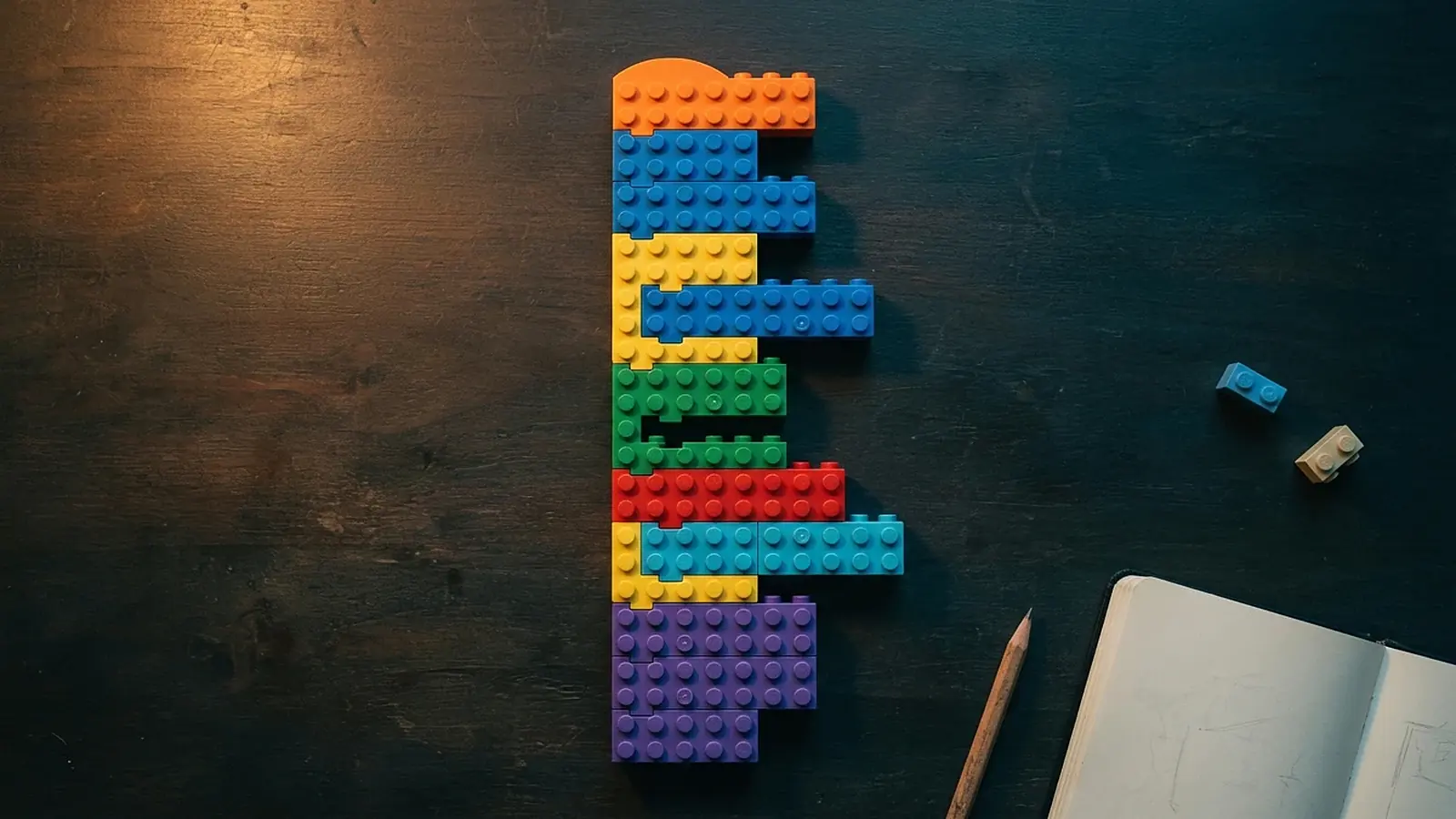
Their first game, made by them, in one month.
5 answers
Yes. The club starts with Scratch blocks, with nothing to type. The concepts come one at a time, through challenges.
The duration is flexible: it is set with you, based on your child's pace and the school calendar. You are given the number of sessions before you enroll.
Ask us when you enroll: it depends on the location of the workshop. We tell you clearly what to plan for.
Yes. The club ends with an exhibition where each young person shows their game and explains how they built it.
Scratch for Kids, online, or the Digital Creation Workshop. Write to us with their age and interests, and we will guide you.
No question matches. Write to us: we answer everything.
Individuals, institutions, companies: you choose your slot online. A first 30-minute conversation about a project, or your hours of lessons.
Choose a slotThe course is already selected in the form. A question before you enroll? Let's take 30 minutes.