TEMO: How We Built Our AI Tutor
The hardest part wasn't getting the AI to answer. It was stopping it from saying everything.
- Audience
- Students, from middle school to university
- Product
- TEMO, AI tutor and homework help


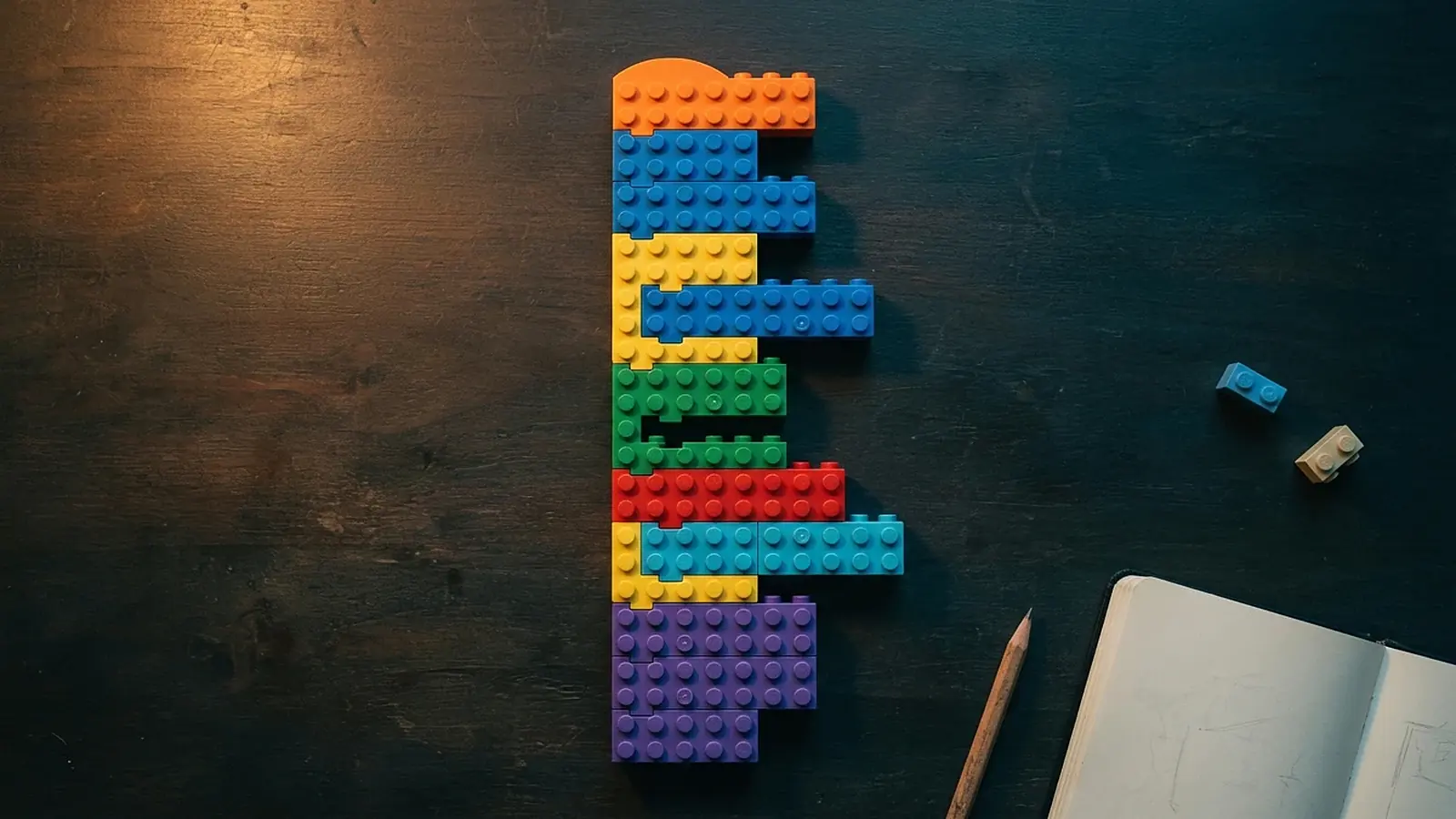
In briefOver one month of live online sessions, TeamElGhazi's Scratch for Kids course teaches children ages 8 to 11 to program without typing anything, by snapping together colored blocks. Your child follows from home, wherever you live, with an instructor who can see their screen. They finish with a complete game, with a story, that they share with their family.
 4,8out of 5 · 11 Google reviews
The program sheet
The final project
A complete game created by the child, shared in a Scratch studio, and a certificate given to the child
Le chat suit les flèches du clavier. Une étoile touchée ajoute 1 au score et réapparaît ailleurs. Trente secondes pour faire le meilleur score.
Lutin Chatquand le drapeau vert est cliquémettre score à 0répéter indéfinimentsi flèche droite presséeajouter 10 à xsi flèche gauche presséeajouter -10 à x
Lutin Étoilequand le drapeau vert est cliquérépéter indéfinimentsi Chat touchéajouter 1 à scorealler à une position au hasard
For a child who reads without difficulty and likes to build or invent stories. The course is for ages 8 to 11. No computer knowledge is needed.
An example: a 9-year-old wants a game where a cat catches stars. They first learn to make the cat move with the keyboard arrows. Then to count points. Then to make the stars fall at random. By the end of the month, they have added a second level on their own.
Yes, because it is not a video. Sessions take place live on Google Meet: the instructor sees your child's screen, talks with them and helps at the moment they get stuck. Scratch runs in the browser, so there is nothing to install.
For the first session, stay next to your child while you set up the microphone and the screen. After that, they quickly manage on their own.
They learn to put actions in the right order, to repeat, to set a condition, to count: the basics of all programming. They also learn to look for their mistake instead of giving up. And they have a game to show.
We do not promise any results at school. A certificate is given to the child when their game is finished.
When blocks become too easy, Python for Kids and Teens takes over with written code; the Programming Club continues Scratch in a group. Our article on the right age to learn to code gives simple guidelines for choosing.
Between sessions, for homework, there is TEMO: the AI tutor we built gives a hint, never a ready-made answer.
The hardest part wasn't getting the AI to answer. It was stopping it from saying everything.
Does your child play games? Let them build one.
A machine that learns from examples: at 10 years old, you can play the machine before you ever use it.
One wire, one LED, one line of code. And the robot moves.
From the phone that films everything to the video they are proud to show.
Does your teen spend hours playing? Two weeks to cross to the other side.
5 answers
A free language that runs in the browser: instead of writing, you snap blocks together, such as "move 10 steps" or "if touching edge, bounce". The course price covers the live sessions with the instructor.
A computer with a keyboard and a mouse is preferable: your child's game uses keys and clicks.
At the first session, yes, to set up the microphone and the screen. After that it is no longer necessary: the instructor guides your child live.
If they already read instructions without help, let's talk. Otherwise, it is better to wait a little: logic games without a screen are enough at that age.
Yes. Scratch for Kids is taken entirely remotely. It is the course in the Junior program made for families who live far away.
No question matches. Write to us: we answer everything.
Individuals, institutions, companies: you choose your slot online. A first 30-minute conversation about a project, or your hours of lessons.
Choose a slotThe course is already selected in the form. A question before you enroll? Let's take 30 minutes.
